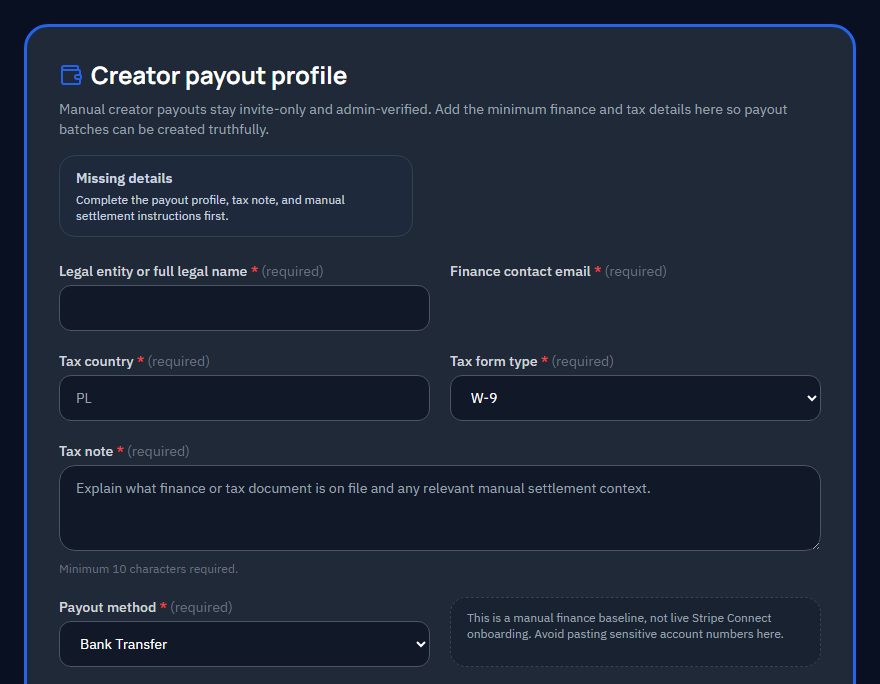
Set up payouts via Stripe Connect (recommended) or manual invoicing.
When to set this up
Payouts are gated until your first course is approved -- there is no reason to set this up before then, but you can. Getting it done early means you start earning as soon as your course goes live.
Stripe Connect (recommended)
Stripe Connect handles tax forms and identity verification automatically. Once connected, payouts are processed through Stripe's infrastructure:
- Click the Connect with Stripe button on the payout profile page.
- Follow the Stripe onboarding flow to verify your identity and banking details.
- Once verified, your account status updates to "Connected."
Manual invoicing
If Stripe Connect is not available in your region or you prefer manual invoicing, contact support to arrange an alternative payout method.
Payout timing
Payout schedules, thresholds, and eligibility rules are governed by the active creator program terms. See the Creator Terms for details.