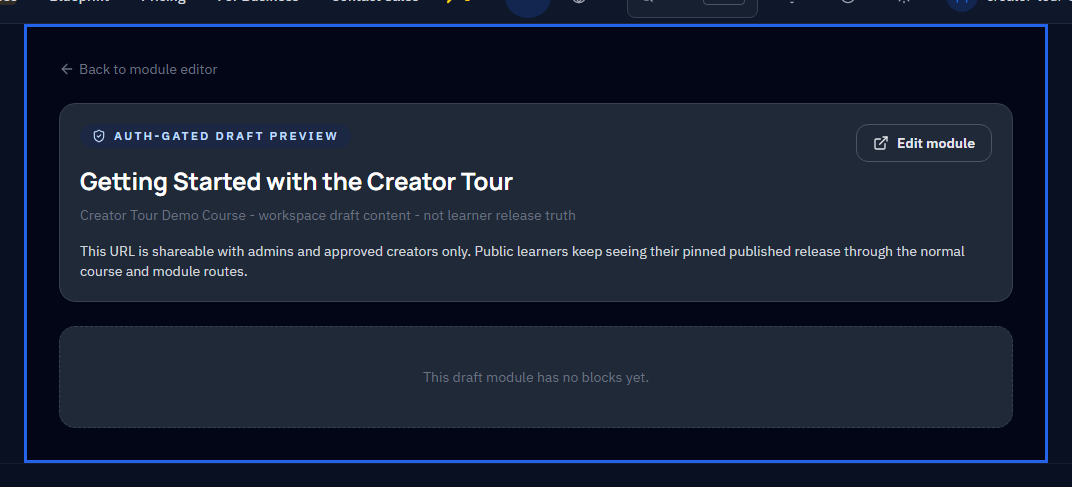
Before you submit, preview the module exactly as a learner sees it.
Why preview matters
The preview shows the module in its final rendered form -- the same layout, typography, exercises, and interactions the learner will experience. Click through each step to verify:
- Content flow -- does the lesson build logically from start to finish?
- Exercise clarity -- are instructions clear enough for someone seeing them for the first time?
- Visual consistency -- do images, code blocks, and interactive elements render correctly?
- Completeness -- is anything missing or out of order?
Tips
- If something feels confusing during preview, edit it before submitting. Review feedback for clarity issues delays publish.
- Preview on both desktop and a narrow viewport to check responsiveness.
- Pay special attention to quiz questions -- verify the correct answers are marked and distractors are plausible.